
Products
Manage your merchant product catalog and reuse products across supported PayMongo Payment Channels.
Products lets you manage the items you sell in one catalog and reuse them across supported Payment Channels.
When to use
Use Products when you sell more than one item or use more than one Payment Channel that displays a catalog, such as Storefront and Dine.
Products is useful when you:
- Want to maintain one catalog instead of separate item lists for each channel
- Need to update product information without re-entering it in every supported channel
- Want customers to see consistent product information wherever they browse your catalog
How to use
-
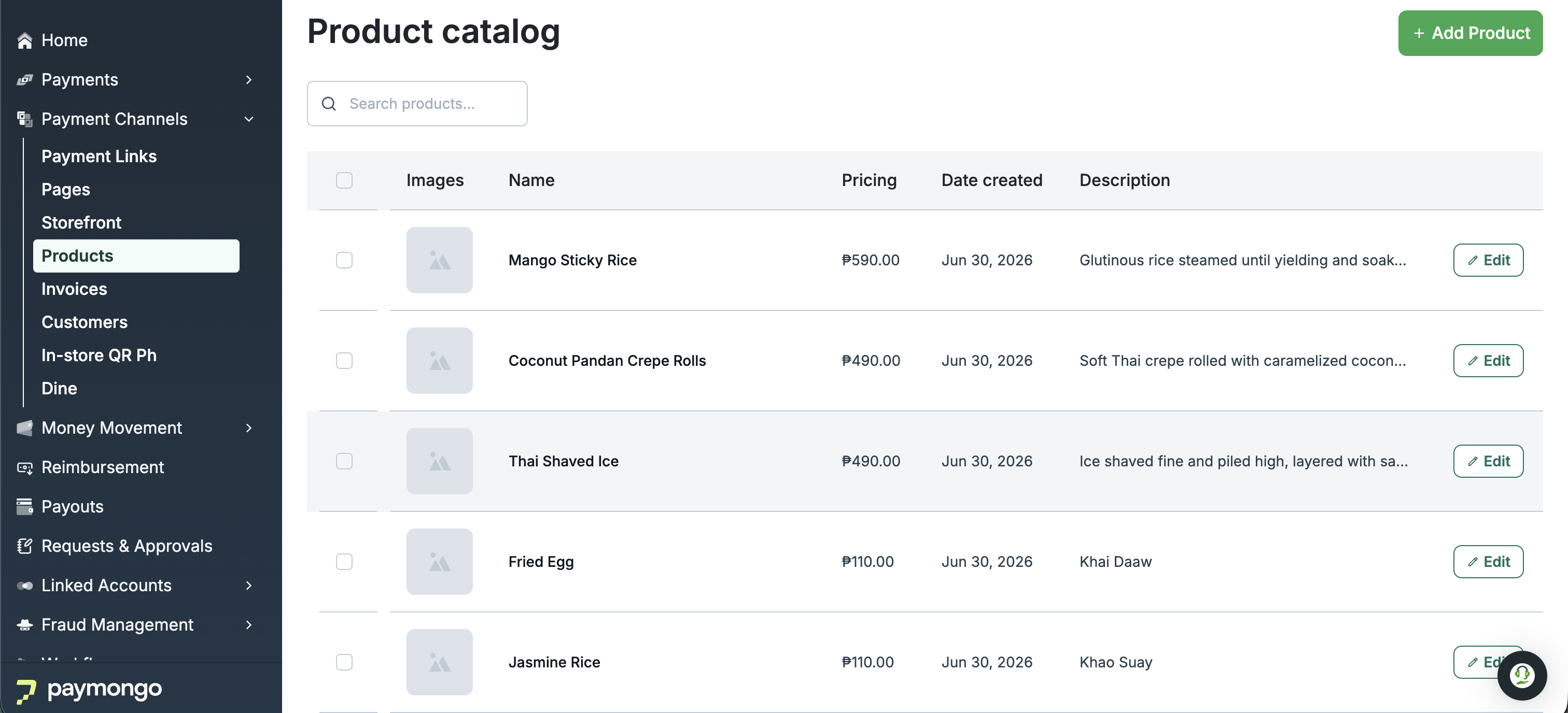
View the product list
Go to Payment Channels → Products to review the items in your merchant catalog and find the product you want to manage.
-
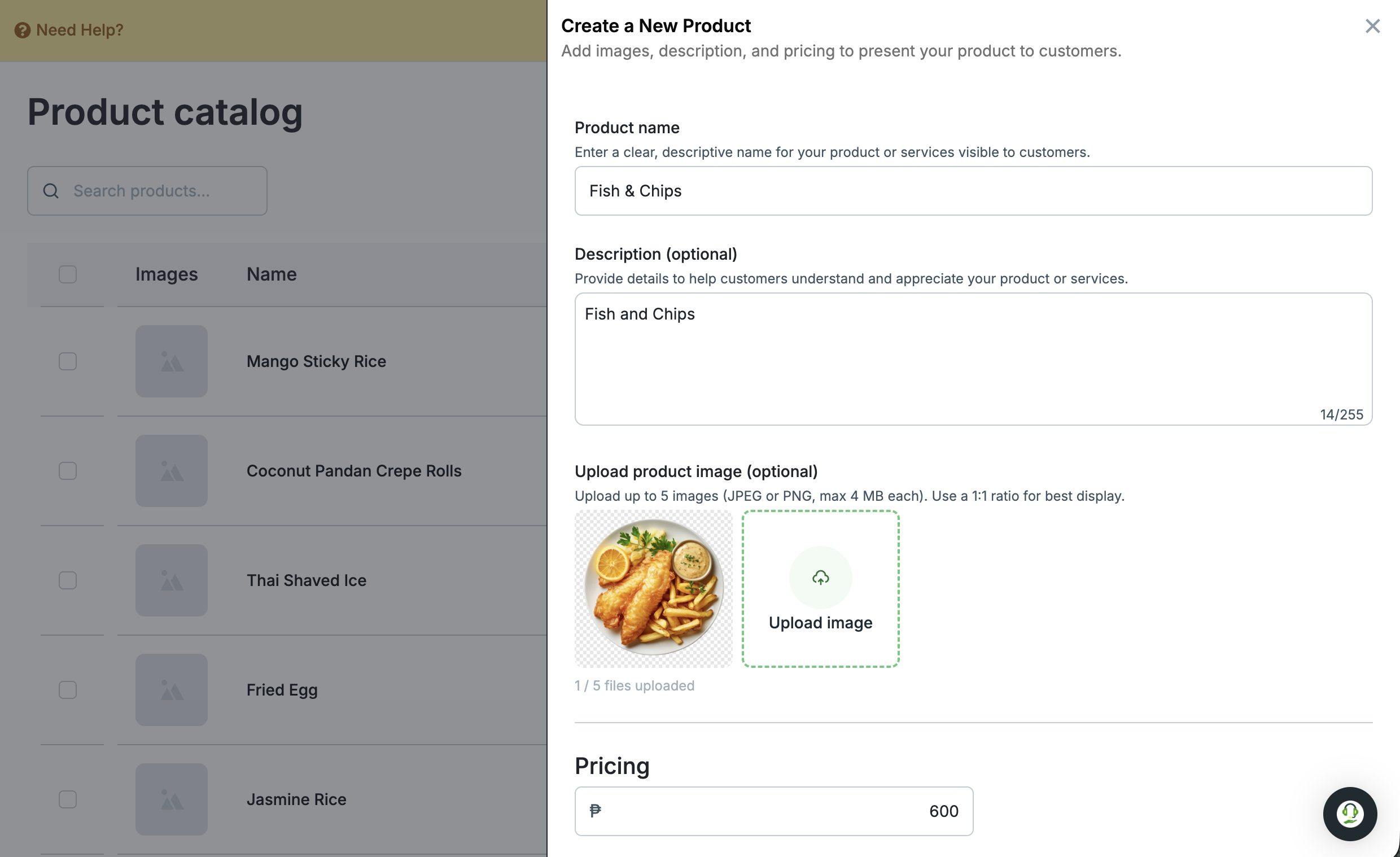
Create a product
Add a product to your catalog so it can be used in supported Payment Channels.
-
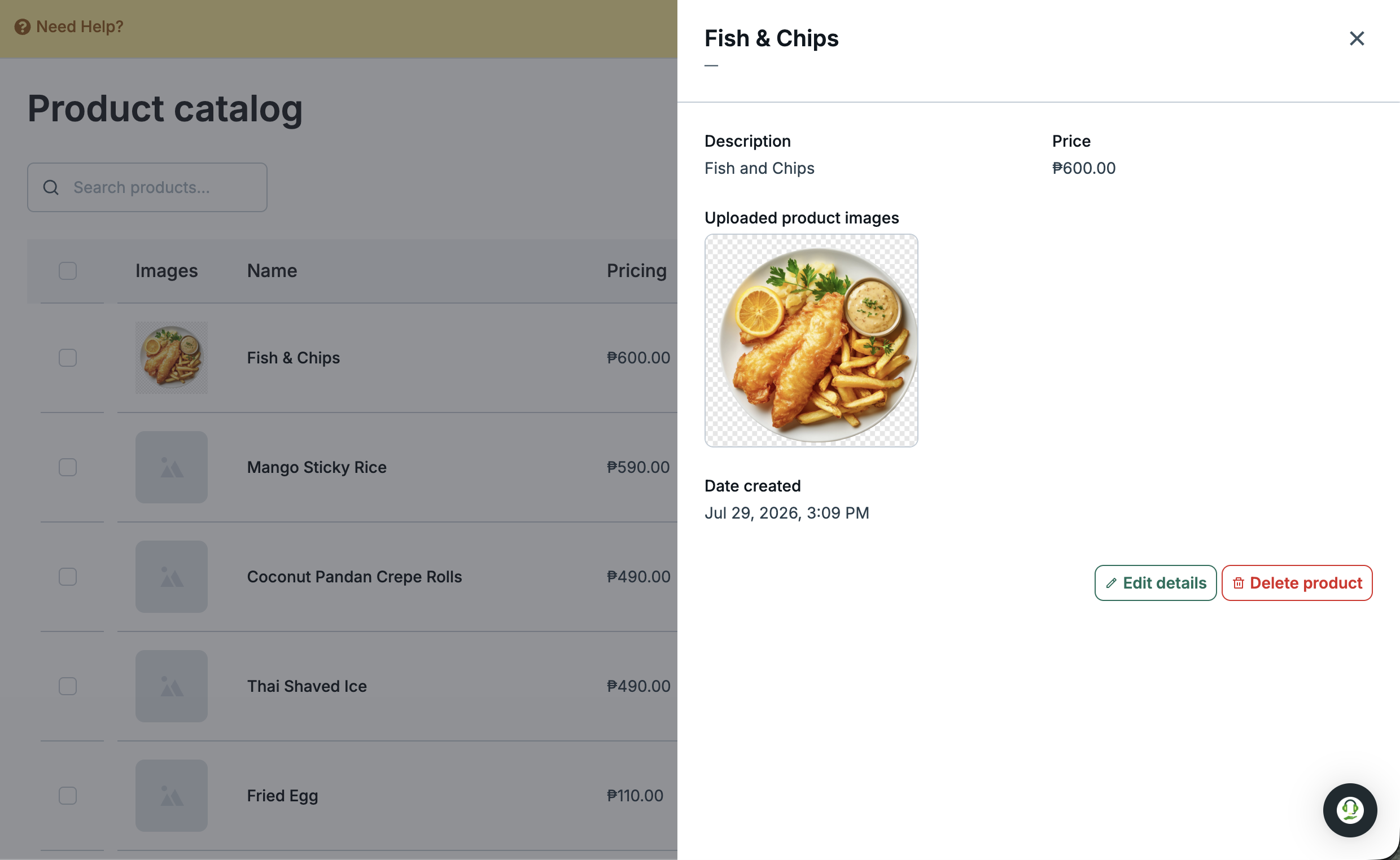
View product details
Select a product from the list to review the information saved for that item.
-
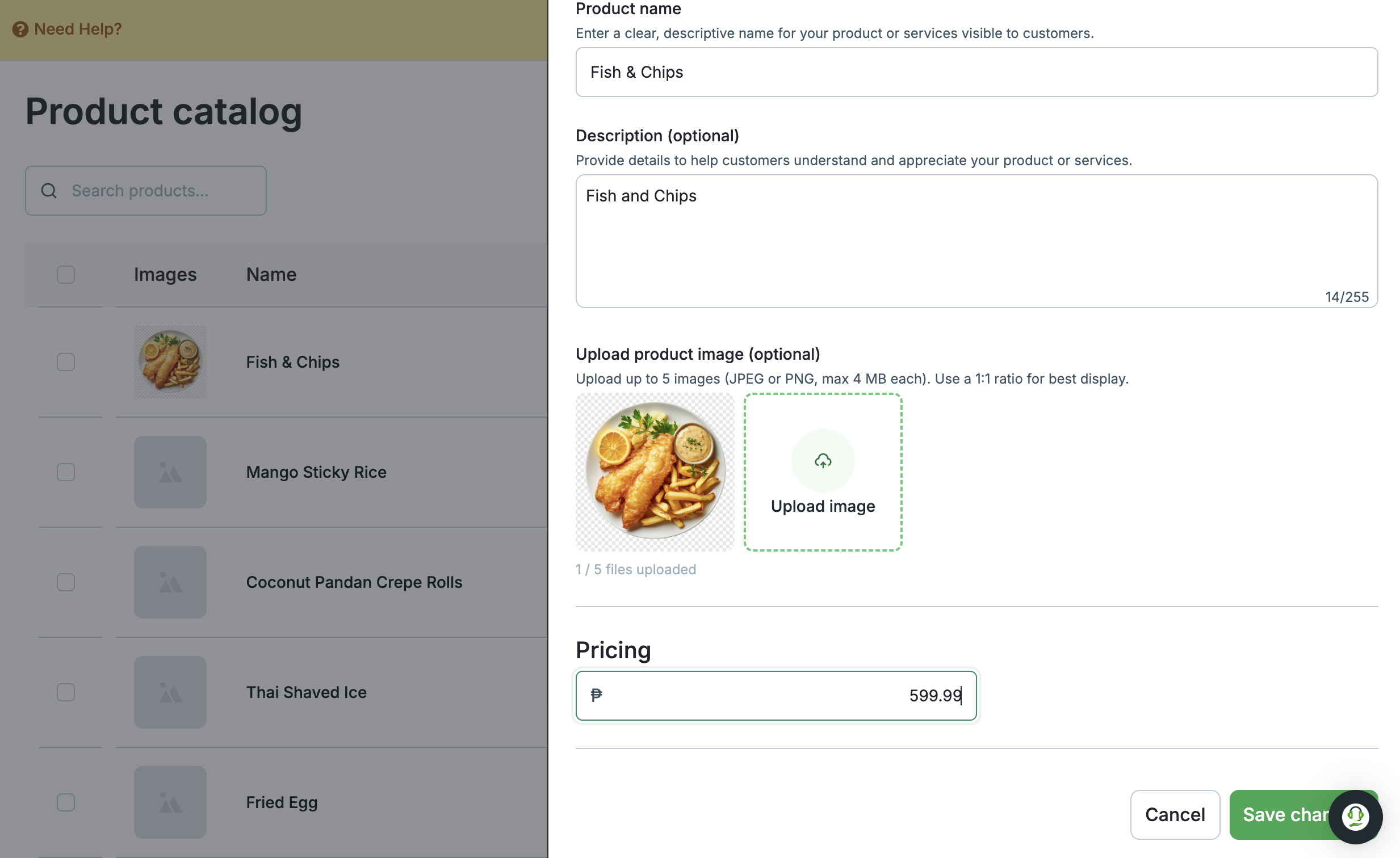
Update a product
Edit the product details to keep your catalog current across the supported Payment Channels that use it.
-
Use Products in Payment Channels
Add products from your catalog when setting up supported Payment Channels, so you can reuse the same product information across channels.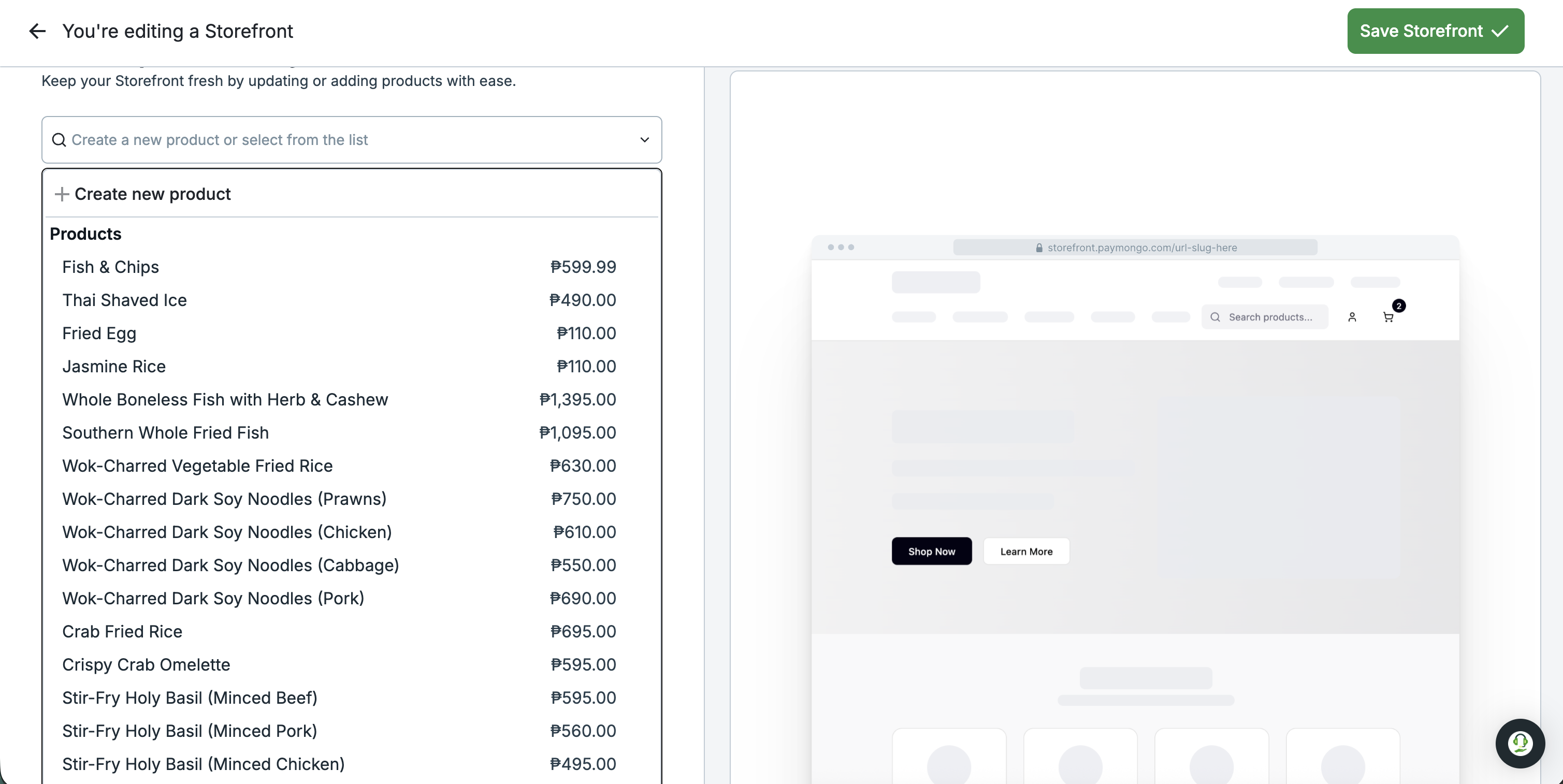
Products in Storefront
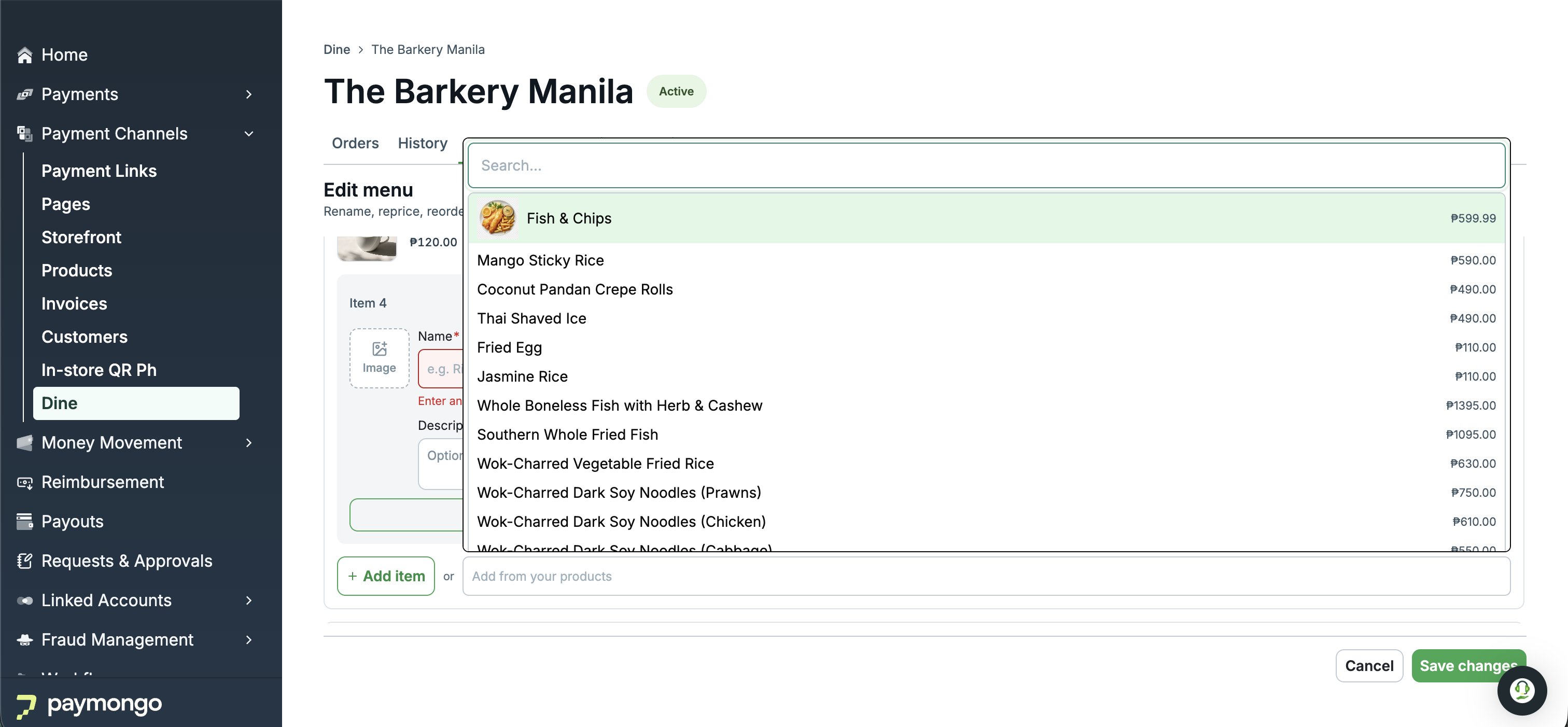
Products in Order and Pay
Updated 2 months ago